![Rove Lab™ [Canada]](http://rovelab.ca/cdn/shop/files/ffd50d6b335e43f560dde12ee492d89e_5.svg?v=1792150825)
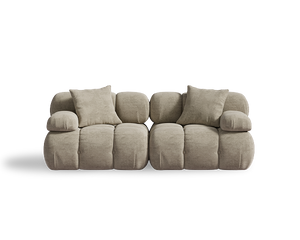
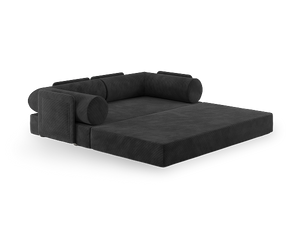
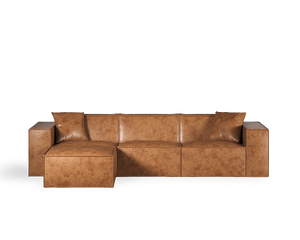
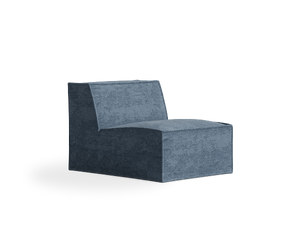
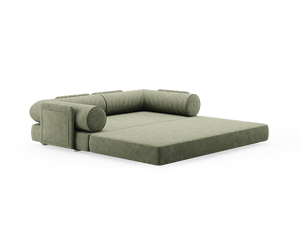
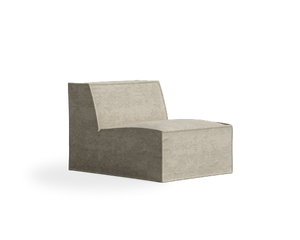

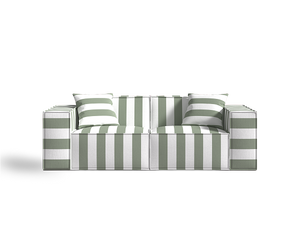




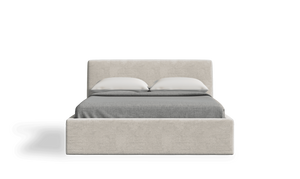




Decorating your living room can be as exciting as it is daunting—but what if you could do it all from your phone? With a variety of design apps, you can plan and style your space without breaking a sweat, or even leaving your couch. These digital tools blend creativity with convenience, allowing you to visualize your room’s transformation, experiment with different layouts, and find the perfect furniture and decor to bring your vision to life. Let’s explore how you can transform your living room with a few taps and swipes.
Choosing the Right App for Your Needs
First things first: you’ll need the right app to kickstart your living room transformation. With so many options available, it can be overwhelming to know where to begin. But don’t worry, I’m here to help. Consider what you want to achieve. Are you looking for a simple visualization tool, or do you want something that offers design advice and product recommendations?
- Room Planner: Known for its user-friendly interface, this app lets you try out different furniture layouts and decor styles before committing. It’s perfect for those who want to see how a new sofa might fit before buying it.
- Houzz: This app combines inspiration, advice, and shopping all in one place. You can browse millions of photos, get professional design advice, and even purchase furniture directly through the app.
- MagicPlan: Great for those who need precise measurements and floor plans, MagicPlan allows you to create a detailed floor plan using just your phone’s camera.
Once you’ve picked your app, take some time to explore its features. This will help you get the most out of its capabilities and ensure you’re on the right track to creating a living room you love.
Visualizing Your Space
Having a clear vision of what you want your living room to look like is crucial, and your chosen app can help with that. Most apps offer 3D rendering of your space, allowing you to get a realistic view of how furniture and decor items will appear. This not only saves you time and money but also helps you avoid the dreaded "it looked different in the store" scenario.
Start by inputting your room’s dimensions into the app. This step is essential to ensure that the furniture you choose will fit perfectly. Once your virtual room is ready, experiment with adding different pieces. Try out various layouts and styles until you find one that suits your taste and lifestyle.
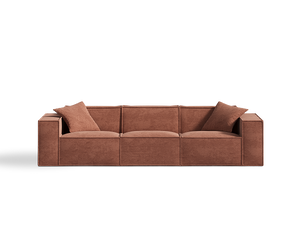
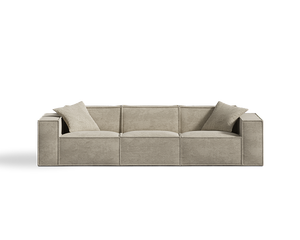
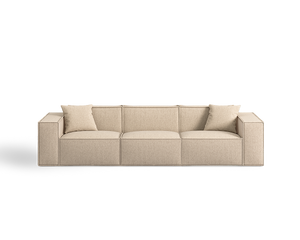
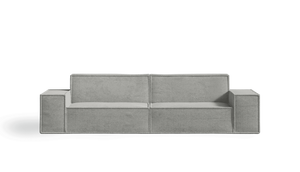
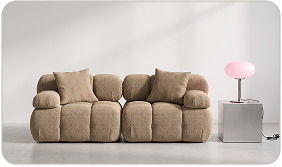
For example, if you’re considering a new sofa, the app can help you visualize how Rove Lab’s M1 Sofa Three Seater will fit into your space. Known for its minimalist design and SmartFoam technology, it’s a great choice for those looking for comfort and style in a compact footprint.
Experimenting with Color Palettes
Color can make or break a room’s ambiance, and apps make it easy to experiment with different palettes. Most design apps allow you to change the colors of walls, flooring, and even the color of your furniture. This feature is perfect for those who want to refresh their space without repainting or buying new pieces.
Consider the mood you want to create. Do you prefer a warm, inviting atmosphere or a modern, sleek look? Use the app to test different colors and see how they affect the overall feel of your room.
- Warm tones: Reds, oranges, and yellows create a cozy and vibrant atmosphere.
- Cool tones: Blues, greens, and purples are calming and perfect for a serene and relaxed environment.
- Neutral tones: Whites, grays, and beiges provide a versatile backdrop that works with any decor style.
Once you’ve settled on a color scheme, you can start to incorporate other elements that tie the look together, such as throw pillows, rugs, and artwork.
Finding the Perfect Furniture
Now for the fun part—furniture shopping! Many apps offer direct links to online retailers, allowing you to browse and purchase furniture without ever leaving the app. This is especially convenient for those who live in metropolitan areas with limited access to furniture stores.
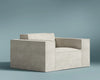
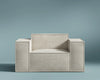
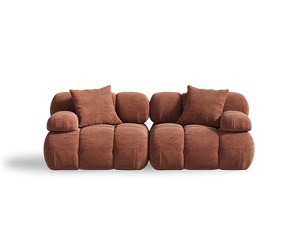
When choosing furniture, consider your lifestyle and the functionality you need. If you entertain often, a spacious sectional sofa might be the way to go. For smaller spaces, a loveseat or compact sofa might be ideal. Consider Rove Lab’s M1 Sofa Loveseat, which offers the perfect blend of comfort and style for smaller living rooms.
- Sectional sofas: Great for large spaces and families, offering plenty of seating.
- Sofas: A classic choice that works well in most living rooms.
- Loveseats: Perfect for cozy spaces, offering just the right amount of seating.
- Chairs and ottomans: Great for extra seating and style.
Don’t forget to keep your room’s layout in mind as you shop. Use your app to ensure that each piece fits perfectly and complements your overall design.
Accessorizing Your Space
Once the main furniture pieces are in place, it’s time to add those finishing touches. Accessories can transform a room, adding personality and style. From throw pillows to artwork, these small details make a big difference.
Most design apps offer suggestions for accessories based on your chosen style and color scheme. Take advantage of this feature to find pieces that enhance your living room’s look.
- Throw pillows: Add color and texture to your sofa.
- Rugs: Define areas and add warmth.
- Artwork: Personalize your space and create a focal point.
- Plants: Bring a touch of nature and freshness.
If you need a versatile piece that can double as extra seating or a footrest, consider adding Rove Lab’s C8 Round Pouf Ottoman. Its modern design and stain-resistant fabric make it a practical and stylish addition to any living room.
Lighting Matters
Lighting can dramatically change the mood of your living room. It affects everything from the color of your walls to the feel of the space. Apps often include lighting options that allow you to experiment with different types of fixtures and their placements.
Consider layering your lighting to create a well-lit and inviting space. Use a combination of overhead lights, floor lamps, and table lamps to achieve this.
- Overhead lighting: Provides general illumination for the entire room.
- Floor lamps: Great for adding light to specific areas.
- Table lamps: Ideal for task lighting and adding ambiance.
By adjusting the lighting in your app, you can see how different fixtures will look and feel in your space, helping you make informed decisions before you buy.
Incorporating Technology
Integrating smart technology into your living room can enhance both function and style. Many apps offer smart home integrations, allowing you to control lighting, temperature, and even your TV from your phone.
Consider devices like smart speakers, automated blinds, or app-controlled lighting to bring your living room into the future.
- Smart speakers: Play music, control other devices, and more.
- Automated blinds: Easily adjust natural light levels.
- App-controlled lighting: Set the mood with a tap.
These technologies not only add convenience but also give your living space a modern touch that will impress your guests.
Staying Within Budget
While apps make it easy to visualize and design your living room, it’s important to keep your budget in mind. Many apps offer budget tracking tools that help you stay on track.
Prioritize your purchases based on necessity and impact. A new sofa might be a more pressing need than a piece of artwork or a new rug.
- Set a budget: Determine how much you want to spend before you start shopping.
- Track expenses: Use the app’s budgeting tools to keep an eye on your spending.
- Prioritize purchases: Focus on essential items first, then add decor as your budget allows.
By carefully planning your budget, you can create a stylish and functional living room without overspending.
Getting Feedback and Making Adjustments
Once you’ve completed your living room design, it’s a good idea to get feedback from friends or family. Most apps allow you to easily share your design, making it simple to gather opinions.
Don’t be afraid to make adjustments based on the feedback. Sometimes a fresh perspective can highlight areas for improvement that you hadn’t considered.
- Share your design: Get input from trusted friends or family.
- Be open to feedback: Consider suggestions that align with your vision.
- Make adjustments as needed: Change elements that don’t quite work and fine-tune your design.
Remember, your living room should reflect your personal style and be a space where you feel comfortable and happy.
Final Thoughts
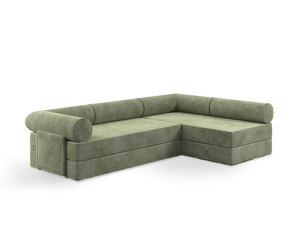
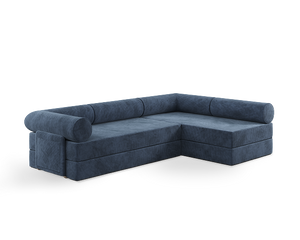
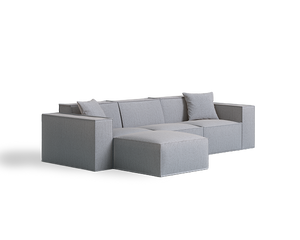
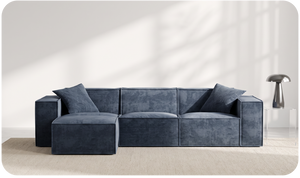
Decorating your living room using an app isn’t just convenient—it’s a game-changer. It allows you to visualize your space, experiment with styles, and find the perfect pieces without the usual hassle. And if you’re in need of a versatile and stylish seating option, consider adding Rove Lab’s M1 Sofa Sectional. Its modular design and SmartFoam comfort make it a smart choice for any living room. So go ahead, open your app, and start creating a space that’s perfectly you.